
Publishing
How to publish a game on Google Play: what you need
Putting a game on the Android store costs $25, one time only. What takes time is everything else: a test with 12 people, forms, and the game's store page.
SUMMARY FOR WHEN YOU'RE SHORT ON TIME · 2 min
To publish a game on Google Play, you open a developer account ($25, one time only, 18 or older, with ID), upload the game in AAB format, build the store page, and fill out the age rating and privacy forms. A new personal account must also test the game with 12 people for 14 days in a row before publishing.
- The developer account costs $25, one time only, and you must be 18; Google may ask for an official ID and a credit card in your name.
- Personal accounts created after November 13, 2023, need a closed test with at least 12 people for 14 days in a row before applying to publish.
- After the test, the review of the application usually takes seven days or less, according to Google.
- The game goes to the store in a format called Android App Bundle (AAB), required for new games since August 2021.
- The store page needs a 512 by 512 pixel icon, a feature graphic, and at least two screenshots.
- Every game needs an age rating, a privacy policy, and the data safety form, even if it collects nothing.
- Outside the US, Europe, the UK, Japan, and Australia, the store keeps 15% of sales up to $1 million a year for developers in the 15% tier (October 2026).
Your first step: Make a list of 12 people with Android phones who would agree to test your game for 14 days in a row.
What does Google Play require to publish a game?
A developer account paid one time, the game in the store's own format, a well-built store page, and a few forms about age and privacy. If the account is personal and new, there is also a test with 12 people for 14 days in a row before you can publish2.
You can do all of it from home, on a computer, without a company. But it is not a single button, and it helps to know the order before you start, because one of the steps depends on other people and cannot be rushed.
The steps below apply to Google Play, the Android app store. The rules change from time to time: this page gathers what Google's official help said in October 2026, with a link to each rule at the end.
| Step | What the store asks for | Cost or time | Source |
|---|---|---|---|
| 1. Open the account | Age 18 or older; an official ID and a credit card in your name, if requested | $25, one time only | Google Play1 |
| 2. Verify your phone | A new personal account confirms access to an Android device through the Play Console app | No cost stated | Google Play1 |
| 3. Prepare the file | The game in Android App Bundle (AAB) format, built for Android 16 or newer | No cost stated | Android Developers4, Google Play5 |
| 4. Build the store page | Name, descriptions, icon, feature graphic, and screenshots | No cost stated | Google Play67 |
| 5. Fill out the forms | Age rating, target audience, privacy policy, and data safety | No cost stated | Google Play8910 |
| 6. Run the closed test | New personal account: at least 12 testers for at least 14 days in a row | 14 days, minimum | Google Play2 |
| 7. Apply to publish | Answer questions about the test and the game, then wait for the review | Usually seven days or less | Google Play2 |
Prices as of October 2026. Each step is explained below.
Who can open a developer account, and how much does it cost?
Anyone 18 or older, paying $25 one time only1. It is not a monthly fee: the same account works for publishing more games later. Price as of October 2026.
Google Play has two kinds of accounts, personal and organization, which is the one for companies1. If you are starting out on your own, the personal account is the usual path, and it is the one that goes through the closed test explained further down.
When you sign up, Google confirms who you are. The Play Console Help warns that it may ask for an official ID and a credit card, both in your full name. If the details don't match, the fee is not refunded1. Prepaid cards are not accepted1.
New personal accounts also need to confirm they have access to an Android phone, through the Play Console app1. Our take: have the ID and the card at hand before you start, and check that the name on both matches what you are going to type.
What is the 14-day closed test?
It is a period when your game is available only to people you invited, before it goes out to everyone. For personal accounts created after November 13, 2023, Google Play requires at least 12 testers opted in without a break for at least 14 days2. The 14 days must be in a row to count2.
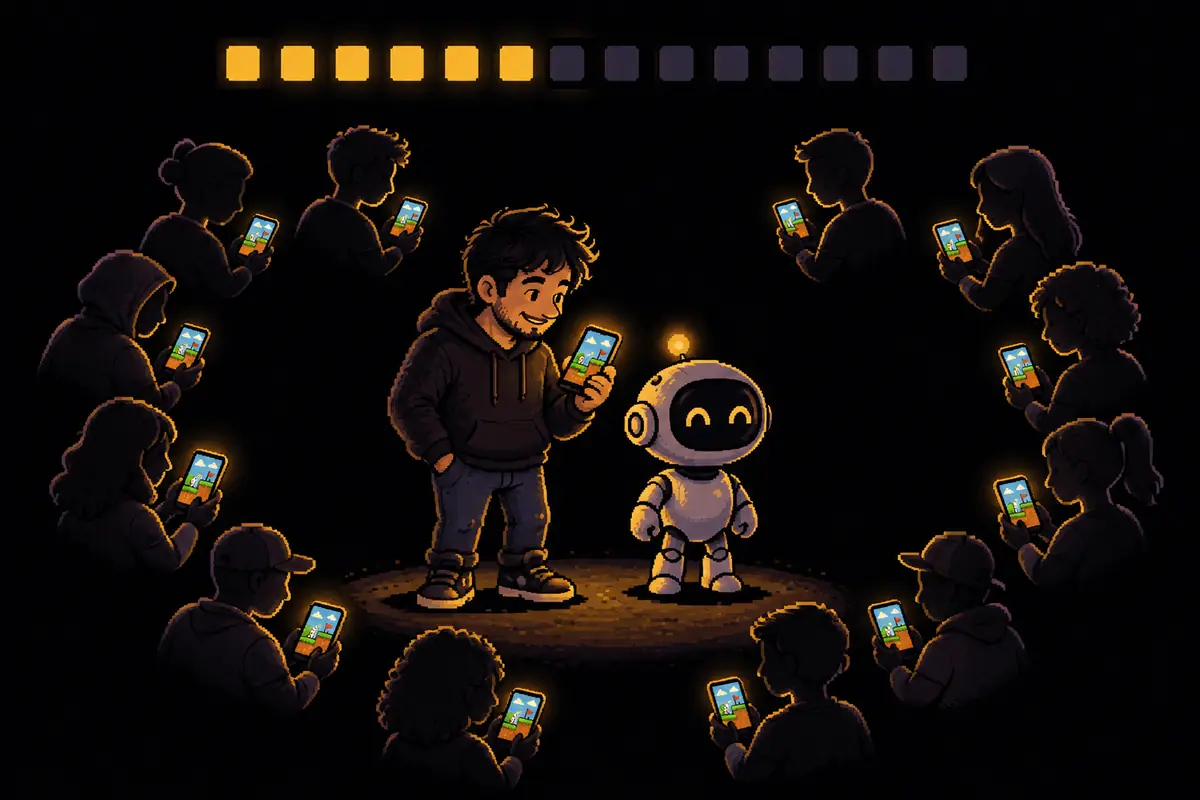
Picture it: Sunday night, the game is ready on your computer and you want to see it in the store. This is the step you cannot take alone. You need 12 people with Android phones who accept the invitation and stay opted in the whole time, and the clock only runs while they are in.
When the 14 days are over, you apply for production access in the Play Console dashboard. The application has three sets of questions: about the closed test, about the game, and about whether it is ready for the public2. According to Google, this review usually takes seven days or less, but sometimes it takes longer. If the store thinks the game needs more testing, you may have to keep testing2.
Our take is that three precautions help:
- Invite the 12 early, while the game is still being made. Friends, family, and coworkers who use Android.
- Invite more than 12. If someone drops out halfway, the count can fall below the minimum.
- Ask them to really play. The test exists to find errors, and the questions in the application are about what the test showed.
What format does the game go to the store in?
In a package called Android App Bundle, or AAB. It is a file that carries the whole game, and Google Play itself builds from it the right version for each phone4. Since August 2021, every new app on Google Play must be uploaded in this format4.
The game also has to be built for a recent version of Android. Since August 31, 2026, new apps and updates must target Android 16, which in the field is called API level 36, or newer. If you need more time, you can request an extension until November 1, 20265.
Both points sound technical, and the AI can help adjust the game's settings. Our take: what stays with you is checking, before you upload, that the file really is an AAB and that the required Android version is correct. To see the whole path, from the idea to the file, read how to make a game with AI.
What goes on the game's store page?
It is the shop window: what people see before they download. The store asks for text and images in fixed sizes.
| Item | What the store asks for | Source |
|---|---|---|
| Game name | Up to 30 characters | Google Play6 |
| Short description | Up to 80 characters | Google Play6 |
| Full description | Up to 4,000 characters | Google Play6 |
| Icon | 512 by 512 pixels, PNG, up to 1 MB | Google Play7 |
| Feature graphic | 1,024 by 500 pixels, JPEG or PNG | Google Play7 |
| Screenshots | At least two to publish; for games, the store asks for three in landscape (at least 1,920 by 1,080 pixels) or three in portrait (1,080 by 1,920) | Google Play7 |
A screenshot is a picture of the game's screen while it runs. Our take: it matters more than it seems, because it is what decides whether someone downloads or moves on to the next game. Pick the moments where the game shows what makes it different, not the title screen.
The AI can help write the descriptions and prepare the images. What it does not know is what makes your game worth it for someone looking at the shop window. That is still your job.
What forms does the store ask for before publishing?
Four, and none of them is optional for anyone who publishes.
- Age rating. Every new app must answer a questionnaire. Google Play ratings are given by IARC, an international age rating coalition, based on your answers. Apps without a rating are removed from the store8.
- Target audience. You state which age groups the game is made for. If the audience includes children, the game must follow the rules of Google Play's Families policy9.
- Privacy policy. It is a web page that explains what the game does with players' data. Even a game that collects nothing must provide its link10.
- Data safety. It is a form where you say what the game collects and shares. Every developer with an app published on Google Play must fill it out10.
One detail of the data safety form catches a lot of people, in our view: tools from other companies built into the game, such as ad and analytics tools, also collect data. According to Google, what they collect or share must show up in your answers, and the responsibility lies with whoever publishes10.
Do I have to disclose that the game was made with AI?
In the Google Play pages we read, there is no rule requiring you to disclose that a game's art or code was made with AI before launch.
The Google Play rule on AI covers a different case: apps that generate content with AI from what the user asks for, such as a chatbot or an image generator. Those must have, inside the app, a way for people to report or flag bad content11. If your game creates text or images with AI while someone plays, that rule applies to it.
Other stores have their own rules. Before publishing somewhere else, read the rules there.
How much does Google Play keep from each sale?
It depends on where the buyer is. The fee applies to what is sold through the store: the paid game and in-game purchases12. Figures as of October 2026.
In 2026, Google changed the rule in five places: the European Economic Area (EEA), the United Kingdom, and the United States since June 30, and Australia and Japan since September 30. There, the fee depends on whether the install is new or old, and there is a separate 5% charge for the store's payment system12.
Everywhere else, the old rule applies until the new one arrives12. Brazil, for example, is not among the five places listed, so, by our reading of the page, the old rule is the one that applies there for now.
| Where the buyer is | Paid game and in-game purchases | Subscriptions |
|---|---|---|
| Outside the five places with the new rule, for developers in the 15% tier | 15% up to $1 million a year; 30% on anything above that | 15% |
| EEA, UK, US, Australia, and Japan, new install | 20% plus 5% for payment, up to $1 million a year | 10% plus 5% for payment |
| EEA, UK, US, Australia, and Japan, old install | 25% plus 5% for payment, up to $1 million a year | 10% plus 5% for payment |
Source: Play Console Help on service fees12, read in October 2026.
A quick calculation to get a sense of scale, marked as an example: if a player in Brazil pays the equivalent of $1 for an in-game purchase, 15 cents go to the store under the old rule. No one can promise that the game will sell, and what is left after the store is still not profit: taxes and your own costs come next.
In how many countries can the game be published?
On Google Play's official list, in the version published on September 28, 2026, we counted 177 countries and regions with their own line, plus a "Rest of the world" option that covers other places13. The count is ours, done on the open page.
The publisher chooses where the game appears. The same list shows, for each place, whether people can download free games, whether they can buy, and in which currency13. In Brazil, for example, the price of a game or an in-game purchase can range from R$ 0.30 to R$ 5,200, in Brazilian reais13.
How long does it take, from finished game to store?
For a new personal account, at least the two weeks of the closed test, plus the time to review the application (our math)2. The Play Console Help also warns that, for some accounts, the review of a game can take up to seven days, or longer in exceptional cases3.
Our take: the way to avoid losing time is to do in parallel everything that does not depend on the finished game: open the account, write the privacy policy, gather the testers, and prepare the store page text. How long the game itself takes is in how long it takes to make your first game, and the cost of each part is in how much it costs to make a game with AI.
The other side
Publishing is not selling. Getting through the test and the review puts the game in the store, but it does not bring players: the store has a lot of games, and getting people to find yours is a separate job. The rules also change often; the fees, for example, changed in five places in 2026. And the store can reject an application or ask for more testing. Before you start, read the official pages listed in the sources again.
Your action plan
Check off what you've done. It's saved on this device, so you can pick up where you left off.
Related questions
How much does it cost to publish a game on Google Play?
The developer account costs $25, paid one time only, and lets you publish as many games as you want. After that, the store keeps a share of what the game sells. Prices as of October 2026.
Do I need a company to publish?
No. Google Play has two kinds of accounts, personal and organization. A personal account created after November 13, 2023, goes through the 14-day closed test with 12 people before publishing.
Can someone under 18 publish a game?
They cannot open the account. The Play Console Help says you must be at least 18 to sign up.
What happens if I don't have 12 testers?
Without 12 testers opted in for 14 days in a row, a new personal account cannot apply to publish. The days must be consecutive to count.
Do I need a privacy policy if the game collects no data?
Yes. According to Google Play Help, every published app fills out the data safety form, and even apps that collect nothing must provide a link to their privacy policy.
How long does Google Play take to review a game?
The application to publish, after the closed test, usually takes seven days or less, according to Google. The review of a game can take up to seven days for some accounts, or longer in exceptional cases.
Can I publish in just one country?
Yes. The publisher chooses the countries and regions where the game appears. The official list dated September 28, 2026, has 177 locations with their own line, by our count, plus an option that covers the rest of the world.
Can a game made with AI go on Google Play?
In the pages we read, the Google Play rule on AI covers apps that generate content from what the user asks for, and those must offer a way to report content inside the app. The page says nothing about games whose art was made with AI before launch.
Sources
- Play Console Help, "Get started with Play Console" (sign-up and fee). Accessed October 14, 2026.
- Play Console Help, testing requirement for new personal accounts. Accessed October 14, 2026.
- Play Console Help, "Publish your app" (review time). Accessed October 14, 2026.
- Android Developers, "About Android App Bundles". Accessed October 14, 2026.
- Play Console Help, target API level requirement. Accessed October 14, 2026.
- Play Console Help, store listing text limits. Accessed October 14, 2026.
- Play Console Help, preview assets (icon, feature graphic, and screenshots). Accessed October 14, 2026.
- Play Console Help, content ratings. Accessed October 14, 2026.
- Play Console Help, target audience and app content. Accessed October 14, 2026.
- Play Console Help, Data safety section. Accessed October 14, 2026.
- Play Console Help, AI-generated content policy. Accessed October 14, 2026.
- Play Console Help, service fees. Accessed October 14, 2026.
- Google Play, locations that support distribution (version of September 28, 2026). Accessed October 14, 2026.
Was this article helpful?
Thank you. This helps us decide what to improve.
Once a week, what changed in making games with AI
Every Tuesday, a 3 to 5 minute read: the news that changes something for people who want to make a game, one reader question answered, and the new articles. Unsubscribe anytime with one click.
By signing up, you agree to the privacy policy.
Done. We sent you an email to confirm.
That didn't work. Check that your email is correct and try again.
Found a mistake? Let us know. We fix it and log the correction on the page. Report a mistake